LN7 VIP and Member-Level Guide
Member levels should be read as account-specific benefits. Availability can depend on activity, verification, region and current programme rules.
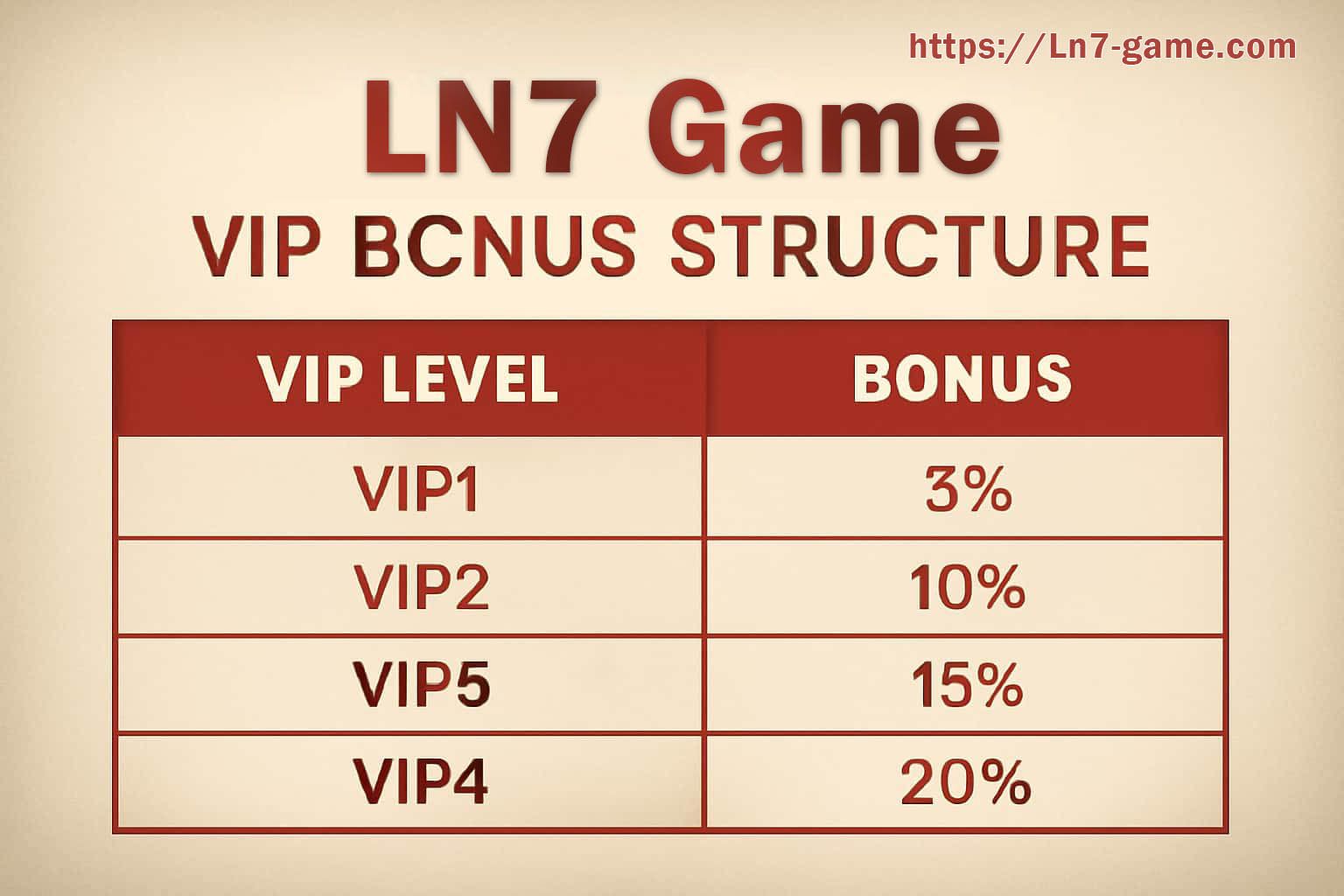
Open the VIP or rewards area from your own account and compare the visible tier, qualifying rule and expiry. Do not rely on screenshots from another user, because the account status and campaign period may be different.
VIP and member levels
Open the VIP or rewards area from your own account and compare the visible tier, qualifying rule and expiry. Do not rely on screenshots from another user, because the account status and campaign period may be different.
Work from the current account status and make one important change at a time. Keep confirmation messages when you update identity, contact or payment details. If something remains unclear, the support desk is easier to use when you can provide the exact screen message and time.
Keep private
- Passwords and one-time passwords.
- UPI PINs, card PINs and full payment credentials.
- Identity images sent outside the account flow or official support process.
Keep for reference
- Error text and time.
- Transaction or support reference.
- App version and device model for technical issues.